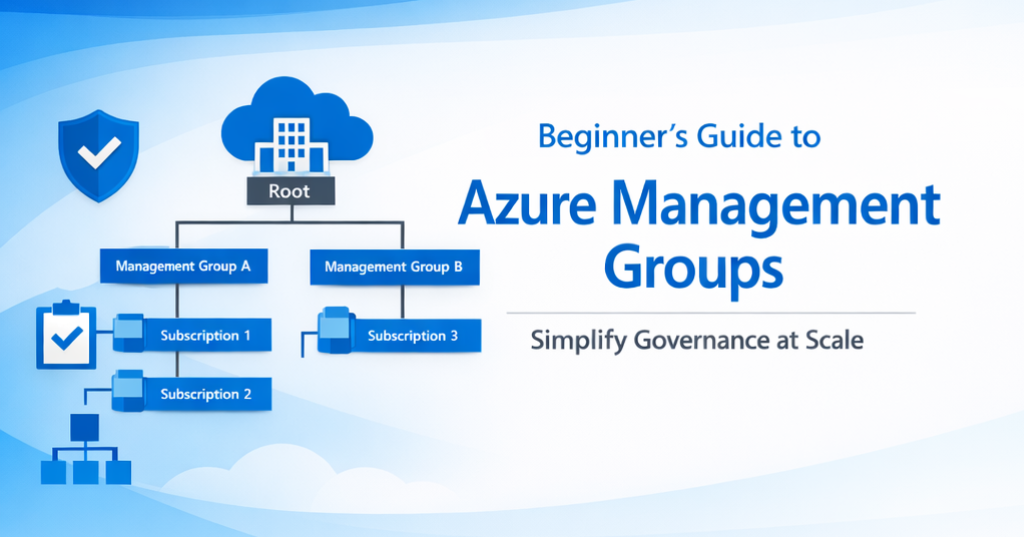
Managing cloud resources at scale can feel overwhelming. Large organizations often juggle hundreds of Azure subscriptions across multiple departments, regions, and environments. Without a structured governance model, this complexity can lead to security gaps, compliance risks, and operational inefficiencies.
That’s where Azure Management Groups come in—a powerful feature that helps you organize subscriptions into a hierarchy for centralized governance, policy enforcement, and streamlined access control.
What Are Azure Management Groups?
Azure Management Groups are containers that allow you to organize multiple subscriptions under a single governance structure. They sit above subscriptions in the Azure resource hierarchy, enabling you to apply policies, RBAC roles, and compliance requirements at scale.
Hierarchy Overview
- Root Management Group: Automatically created for every Azure Active Directory (Azure AD) tenant.
- Child Management Groups: Up to 6 levels deep (excluding root).
- Subscriptions: Assigned under management groups.
Visualize it like this:Root Management Group → Child Management Groups → Subscriptions

Why Are Azure Management Groups Important?
Regardless of your role—business leader, architect, or developer—management groups deliver enterprise-wide governance and control:
- Centralized Policy Enforcement
- Apply security, compliance, and operational policies across all subscriptions from a single point.
- Consistent Access Control
- Use RBAC at the management group level to ensure uniform permissions across environments.
- Scalability for Large Organizations
- Organize thousands of subscriptions logically by business unit, environment, or region.
- Cost Visibility and Optimization
- Group subscriptions for consolidated billing and reporting, enabling better financial oversight.
- Regulatory Compliance
- Enforce standards globally to meet industry and legal requirements.
- Operational Efficiency
- Reduce administrative overhead by applying governance at scale instead of managing each subscription individually.
Key Features
- Policy and RBAC Inheritance
- Apply Azure Policy and RBAC roles at the management group level. Changes propagate to all child groups and subscriptions.
- Hierarchy Depth
- Up to 6 levels deep (excluding root), offering flexibility for complex organizations.
- Integration with Azure Governance
- Works seamlessly with Azure Policy, Blueprints, and Cost Management.
- Security
- The root management group is secured by default. Access requires Azure AD Global Administrator or delegated permissions.

How to Set Up Azure Management Groups
Here’s a quick guide to get started:
- Navigate to Azure Portal
- Go to Management Groups under All Services.
- Create a Management Group
- Click Add Management Group, provide a name and ID.
- Assign Subscriptions
- Add subscriptions to the management group for centralized governance.
- Apply Policies and RBAC
- Use Azure Policy and Role Assignments at the management group level for consistent enforcement.
Best Practices
- Keep the Hierarchy Simple
- Avoid unnecessary complexity—start with broad categories like environment or department.
- Secure the Root Management Group
- Restrict access to only essential administrators.
- Review RBAC Assignments Regularly
- Ensure permissions align with organizational needs and compliance requirements.
Conclusion
Azure Management Groups are a cornerstone of enterprise-scale governance in Azure. They simplify policy enforcement, improve security, and reduce operational overhead.
Ready to streamline your Azure governance? Start by creating your first management group today and unlock the full potential of centralized control.
